
The conversation comes with the context.
Guests, tenants, owners and your team. Keep the conversation close to the property and move the work forward.
Open the conversation. See the whole job.
Choose a sample thread, inspect its details and write in the internal team conversation.
A person. A property. More than a message.
The person, the stay and the property are beside the conversation. A colleague can pick up the thread with the details already there.
Discuss it privately. Reply with confidence.
Keep a private discussion separate from the customer reply. When the answer needs work in a home, connect it to a task someone owns.
The business number belongs with the business.
Bring booking channel messages into the operation. Add business calling, SMS or WhatsApp for the routes your team needs, with usage drawn from prepaid credit.

Working product. Fictional portfolio.
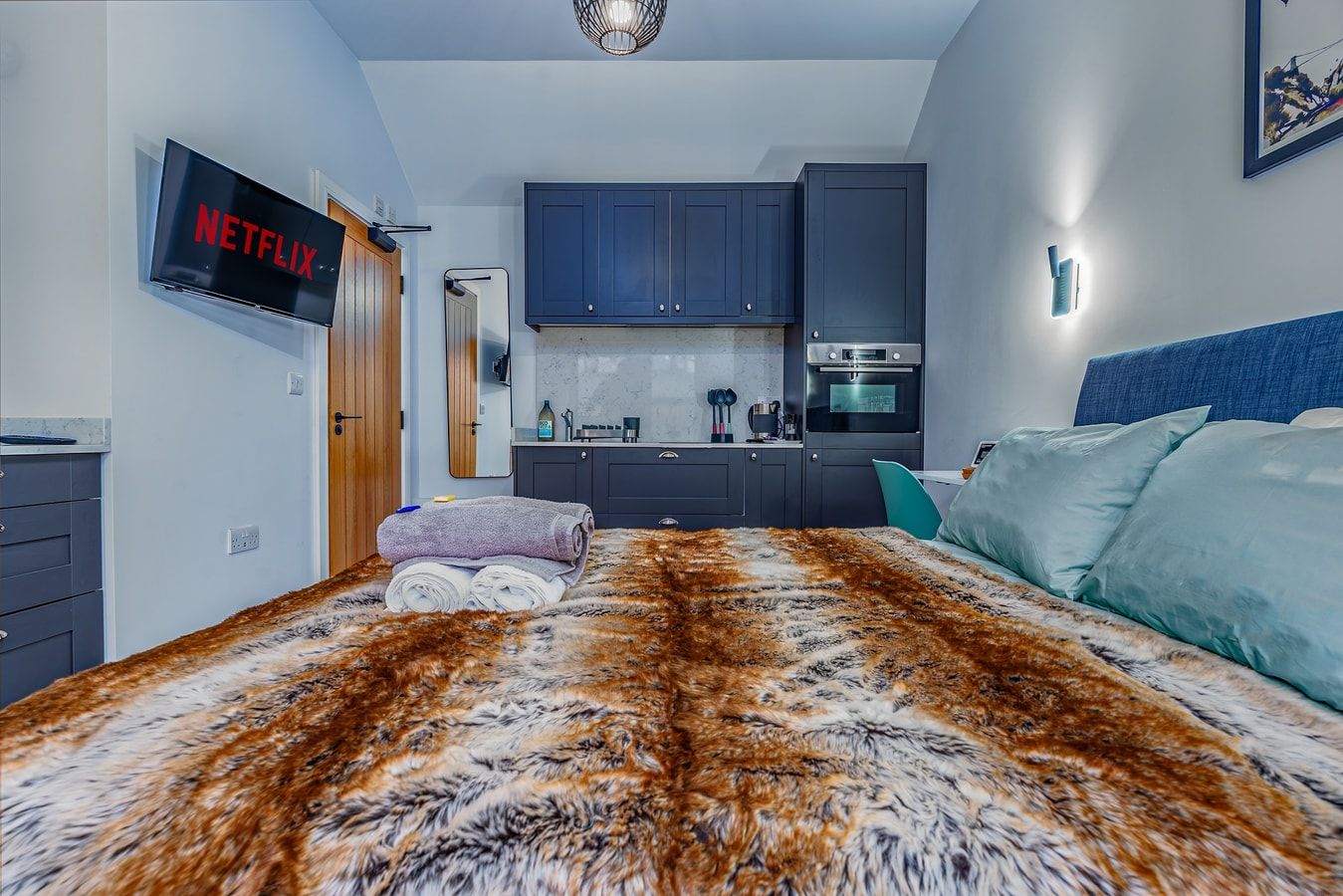
There is a home behind every conversation.
A parking question. An arrival to arrange. A repair that needs a visit. Keep the people talking close to the work that follows.
Follow the guest journeyBring the conversations you handle.
Show us how messages arrive and where the next step gets held up.